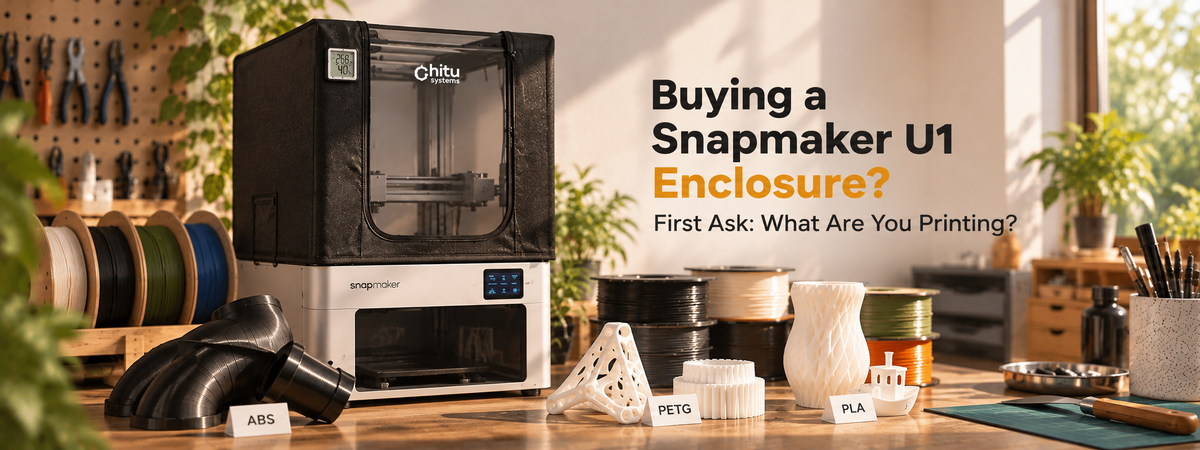
Finally, you've got your Snapmaker U1. You've been printing the usual materials, and now you're ready to try something more demanding—maybe ABS—and turn your setup into a proper little printing workshop. So you start researching enclosures. Suddenly, a simple question gets complicated. DIY builds. Storage bins. Ventilation. Filtration. Temperature monitoring... There are plenty of clever solutions out there. But which ones does your setup actually need?
Why Does the Printing Environment Matter?
Materials like ABS and ASA are sensitive to uneven cooling, which can cause contraction, internal stress, and ultimately warping or layer cracking.

An enclosure helps reduce drafts and retain heat, creating a more stable printing environment. But hotter isn't always better—different materials need different conditions.
Material Quick Reference
PLA | Generally benefits from adequate cooling; excessive enclosed heat can be counterproductive. |
|---|---|
PETG | Often doesn't require a fully enclosed chamber; cooling and temperature conditions still matter. |
ABS /ASA | More sensitive to drafts and uneven cooling; an enclosed, warmer environment can help reduce warping. |
General material behavior summarized using industry filament guidance (Bambu Lab Filament Guide). Actual performance depends on your filament, printer calibration and workspace conditions.
So what should you actually look for?
What Does an Enclosure Need to Do?
1. Create a More Stable Printing Environment
A basic enclosure helps reduce drafts and temperature fluctuations. Passive heat retention may be enough for some setups, while others may need active temperature management depending on the material.
A Closer Look: Chamber Conditions in Our Internal Tests
In June 2026, we tested several materials on the Snapmaker U1 under different enclosure conditions.
Material | Test Setup | Observed Result |
|---|---|---|
ABS | Enclosed · 90°C / 270°C | Chamber reached approximately 55°C; print completed with minor warping |
PETG | Cover open · 80°C / 255°C | Chamber reached approximately 45°C; print completed with minor warping |
PLA | Cover open · 80°C / 255°C | Chamber reached approximately 45°C; print completed with minor warping |
Test temperatures are listed as bed / nozzle.
These June 2026 Snapmaker U1 tests reflect specific material and enclosure setups, not controlled performance comparisons. The ABS print completed at approximately 55°C with minor warping, showing that chamber temperature alone doesn't guarantee a warp-free result.
2. Let You Know What's Happening Inside
A thermo-hygrometer helps you monitor temperature and humidity inside the enclosure, but it doesn't actively control either. How much control you need depends on your materials and workspace.
3. Have a Plan for Air Management
Temperature isn't the only consideration, especially when printing materials like ABS and ASA. An enclosure doesn't automatically provide ventilation or filtration, and closing it doesn't eliminate printing emissions. Depending on your materials and workspace, appropriate ventilation or emission-control measures may still be needed.
4. Fit Into the Way You Actually Print
An enclosure should also make everyday printing convenient. You'll need access to finished parts, filament, and routine maintenance. For home setups, dust and pet hair may be additional concerns.Some makers enjoy building and customizing their enclosures. Others simply want something that works without becoming another DIY project.
The right enclosure should fit your workflow, not complicate it.
DIY, Ready-Made, or Fully Integrated?
There's no single solution for every U1 owner.
A DIY enclosure offers flexibility for customized ventilation, monitoring, and temperature management, but requires more planning and experimentation. A simple ready-made enclosure provides basic protection and passive heat retention with less setup.More advanced enclosure setups may incorporate active temperature management, circulation, or filtration, often at additional cost and complexity.
The best choice depends on the problems you're trying to solve—not the length of the feature list.
Where the Chitu Systems Snapmaker U1 Top Cover Fits In

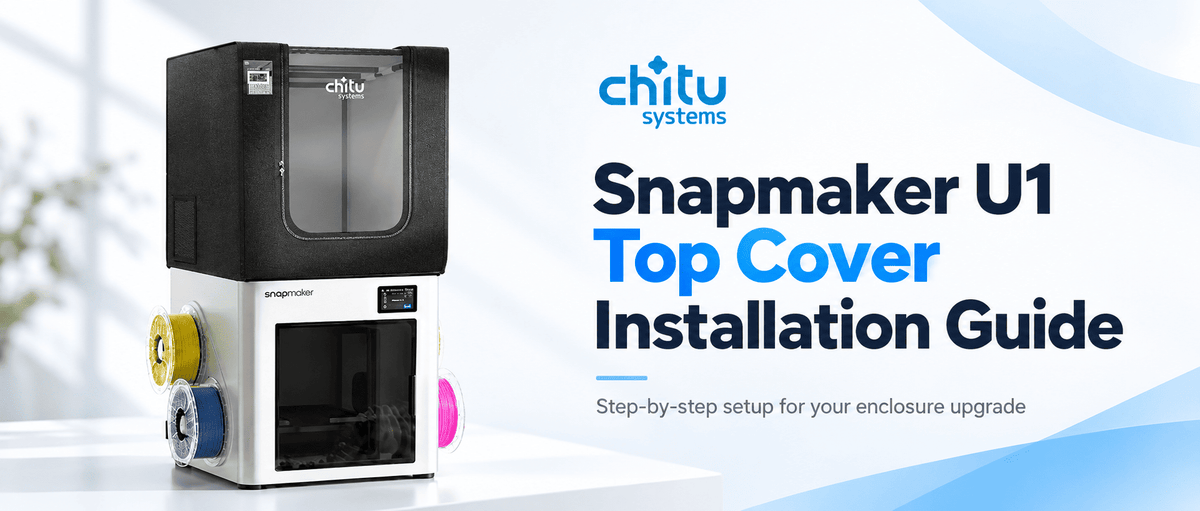
Designed specifically for the Snapmaker U1, the Chitu Systems Snapmaker U1 Top Cover & Enclosure combines a fiberglass frame with multi-layer, flame-retardant fabric. This Snapmaker U1 Top Cover uses a passive design to retain heat and block drafts, while you can roll the cover open when extra cooling is needed.
Several details focus on everyday usability.
Reinforced dual zippers and a roll-up front flap provide convenient access, while transparent front and top windows let you check prints without opening the enclosure. Fully covered fiberglass rods and reinforced fabric edges are designed for more comfortable handling.

An included thermo-hygrometer has a dedicated holder for easy monitoring. Storage pockets, a mesh pocket for an optional filter, and an exhaust fan opening add flexibility to the setup. Fans and filters are not included. The water-resistant outer fabric also helps shield the printer from everyday dust and pet hair.
At $39.99, it's a ready-made option for U1 users who prefer not to build an enclosure from scratch. As a passive enclosure, it doesn't actively regulate chamber temperature or replace proper ventilation and filtration. For PLA and PETG, the product instructions recommend printing with the cover open to avoid overheating.
Start With What You Print
The right enclosure isn't necessarily the most complicated one. It's the one that suits your materials, workspace, and printing habits. Before choosing, consider what your prints actually need—and which features will make your workflow easier.
Looking for a ready-made option for your Snapmaker U1?
Explore the Chitu Systems U1 Top Cover and see if it matches your printing workflow.